

 Back to the journal
Video Annotation Guide: Tracking, Keyframes and Actions
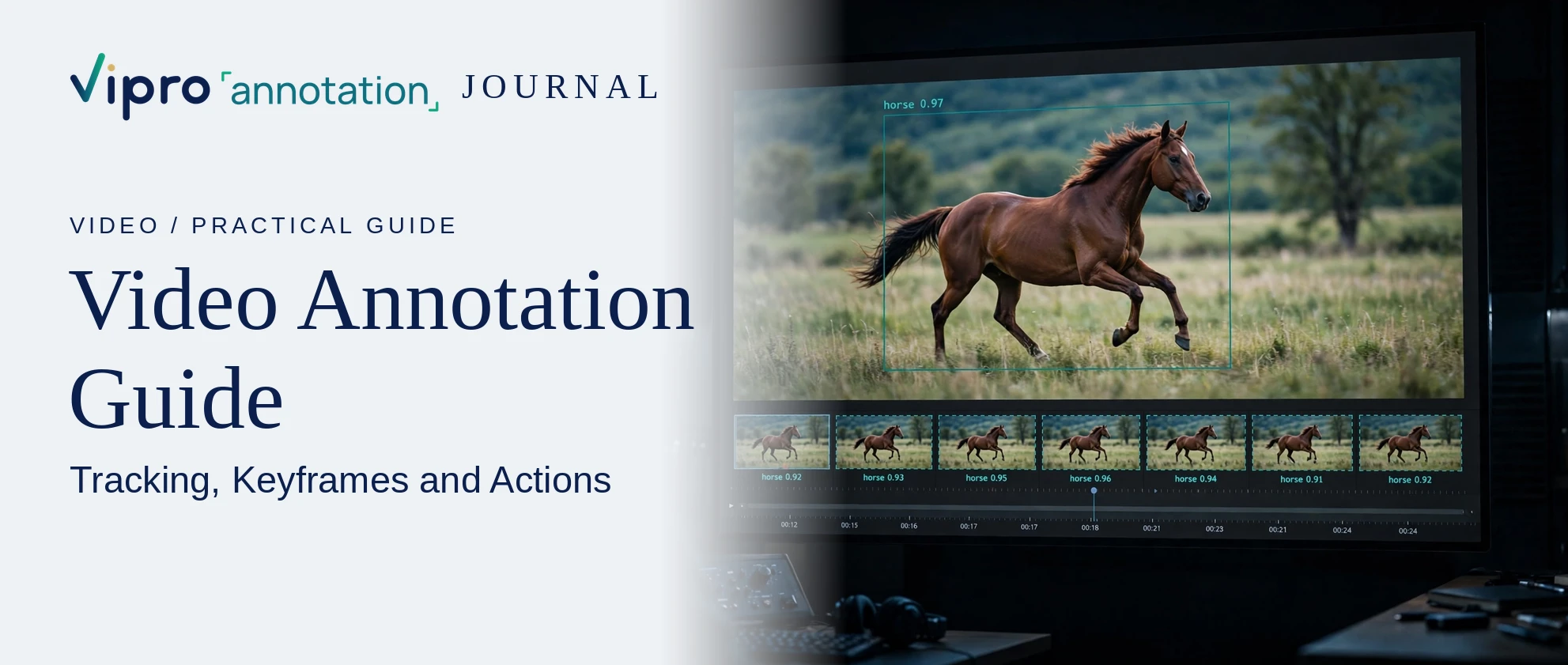
Short answer: video annotation means labeling objects, movements and events across the frames of a video so models can learn motion and timing, not just appearance. The core techniques are object tracking (keeping one ID for each object across frames), keyframe labeling with interpolation between keyframes, and temporal labels that mark when an action or event starts and ends.
Video annotation vs image annotation
A video is a sequence of images, but labeling each frame separately is slow and creates jitter. Video annotation adds two things images do not need:
- identity over time: car 7 in frame 1 must still be car 7 in frame 300;
- time: when an action begins, how long it lasts, and when it ends.
Main video annotation types
| Type | What it captures | Example |
|---|---|---|
| Object tracking | Box, polygon or mask per object, with a persistent ID | Vehicles in dashcam footage |
| Keypoint / pose tracking | Body or hand joints over time | Athlete movement, gesture control |
| Action or event spans | Start and end time with a label | "Pass", "shot", "pick part" |
| Frame or clip classification | One label for a frame or whole clip | "Night", "rain", "unsafe behavior" |
| Attributes over time | Changing properties of an object | Door open or closed, light on or off |
Keyframes and interpolation
Instead of drawing every frame, annotators label keyframes where an object's position or shape changes, and the tool interpolates the frames in between. Good practice:
- add more keyframes when objects speed up, turn, or change size quickly;
- check interpolated frames, because straight-line interpolation drifts on curved motion;
- add a keyframe whenever an object becomes hidden or reappears.
Common edge cases
- Occlusion: an object passes behind another. Rules must say whether the ID continues and whether hidden frames are labeled.
- Leaving and re-entering the frame: same ID or new ID?
- Motion blur and low light: minimum visibility before an object is labeled.
- Crowds: many similar objects close together, where ID switches are common.
- Action boundaries: the exact frame where one action ends and the next begins.
QA checks for video data
- ID consistency: no ID switches between objects.
- Box stability: boxes should not jump or change size without reason.
- Temporal agreement: compare action start and end times between annotators using temporal IoU.
- Coverage: every required object is tracked for its full visible duration.
- Spot checks on interpolated frames, not just keyframes.
Planning a video annotation project
- Decide frame rate for labeling: every frame, or a sampled rate.
- Define the class list, the ID rules and the action vocabulary before starting.
- Choose output formats that keep track IDs and timestamps.
- Pilot on the hardest footage (night, crowds, fast motion).
Have a dataset in mind?
Start with a Free Calibration Pilot