Case Study 2 / FacePoint AI — Facial Landmark Dataset
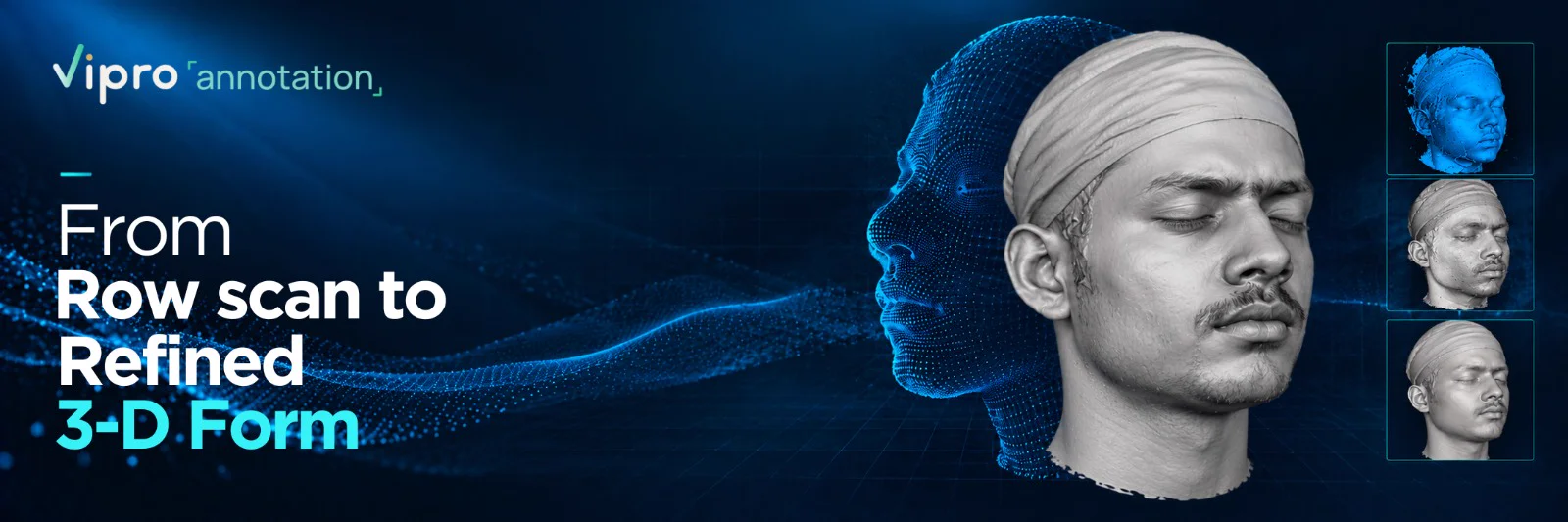
From raw scan to refined 3D form.
Turning captured facial geometry into a processed, annotated 3D dataset.
- Application
- FacePoint AI — Facial Landmark Dataset
- Data
- Facial 3D Scans
- Processing
- Point Cloud + Mesh
- Platform
- Revo Scan
- Scanner
- Revopoint
- Volume
- ~500 Scans
- Annotation
- Facial Landmarks
- Output
- Annotated 3D Dataset
Turning a captured face into structured 3D data.
The project uses a Revopoint POP scanner to capture a person's face. The scan is processed in Revo Scan 5, with point-cloud processing, facial landmark annotation, quality checks and export of the annotated 3D dataset.
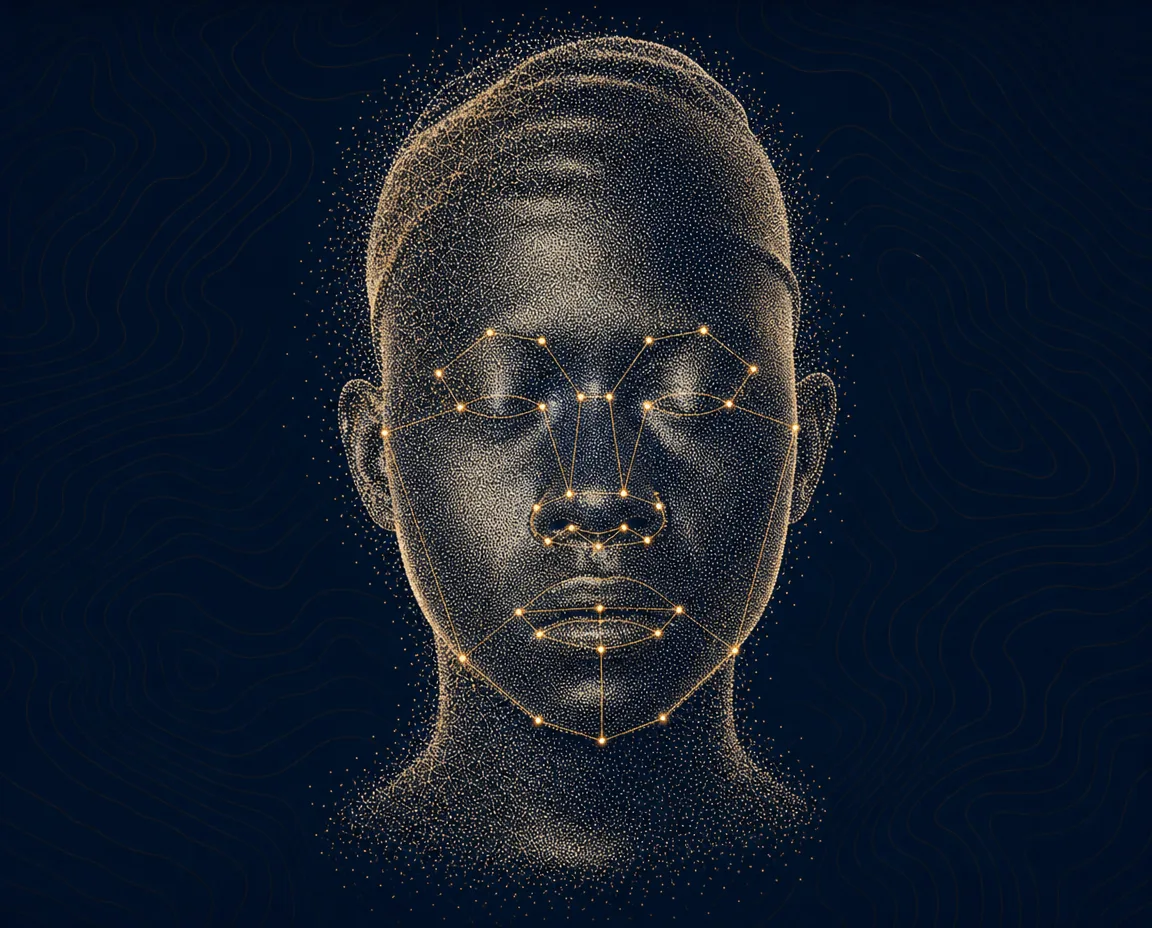
From raw scan to a refined facial model.
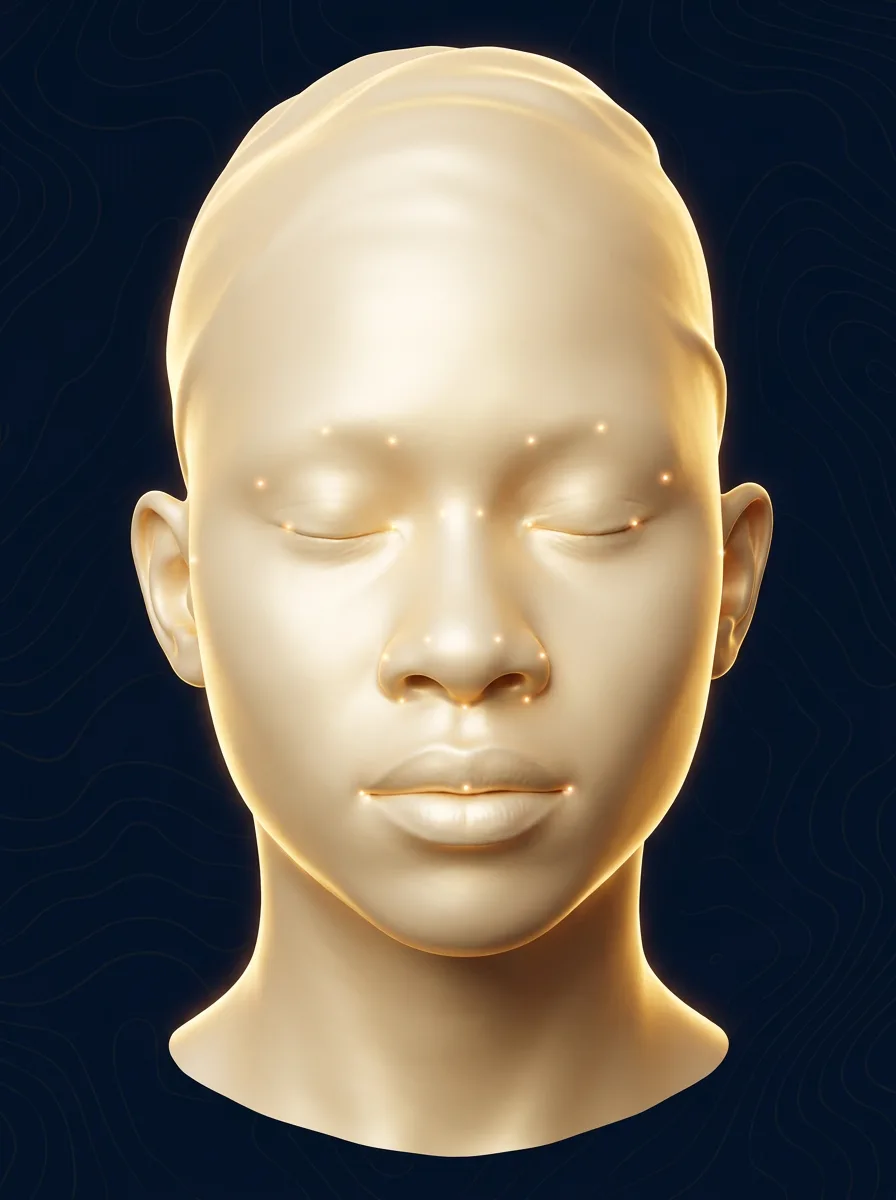
The workflow transforms the initial capture into a cleaner 3D surface by removing unwanted scanned parts, addressing noise, filling missing regions where appropriate, and smoothing the surface.
The face before cleanup.
The initial scan contains the captured face along with surrounding scanned areas, rough surface details and regions that may require further processing. The visual shows the captured point-cloud geometry with facial landmark points marked for annotation.
Clear steps. Consistent 3D data.
| 01 Process the scan. Use point-cloud processing to prepare captured facial geometry and remove unwanted scan content. | 02 Annotate facial landmarks. Apply facial landmark annotations to the processed scan according to the project requirements. | 03 Review and export. Check scan completeness, missing facial regions and consistency across scans before exporting the annotated 3D dataset. |
The exact annotation and processing steps are represented here only where confirmed for this project; the intended downstream application has not been specified.
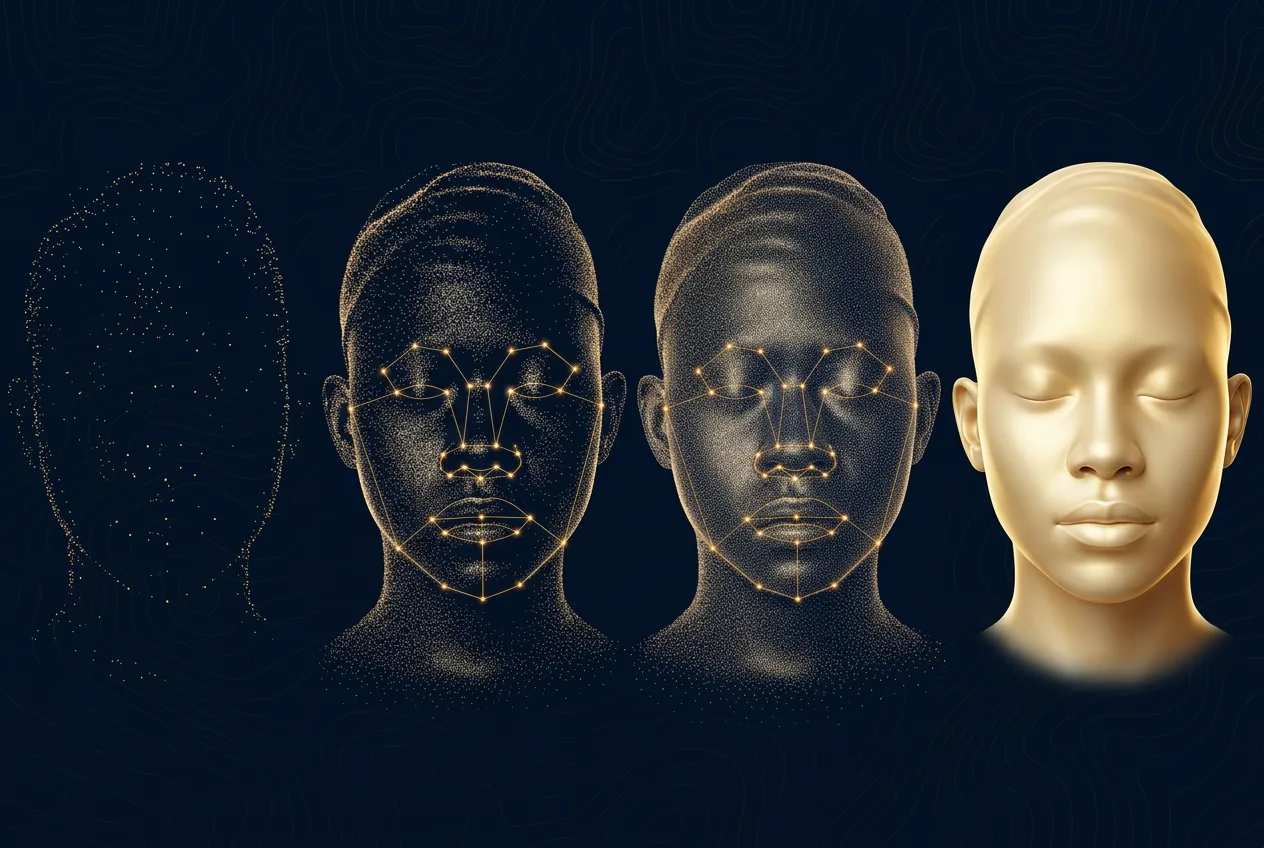
| Category | Before | After |
| Extra scanned part | Extra scanned part | Removed unwanted part |
| Noise and artifacts | Noise and artifacts | Clean surface |
| Missing / rough region | Missing / rough region | Filled and smoothed |
A complete scan captures the form. Careful processing prepares it for structured use.
Point-cloud processing and facial landmark annotation are key parts of the confirmed workflow. The output is an annotated 3D dataset, with quality checks focused on completeness and consistency.
Not just a scan. A consistent dataset.
Quality checks focus on whether scans are complete, whether facial regions are missing, and whether the resulting 3D data remains consistent across the approximately 500 scans.
- Scan completeness
- Missing facial regions reviewed
- Consistency across scans
- Final annotated dataset exported
Built with Revo Scan 5.
Revo Scan 5 is used in the workflow to process the scan data captured using the Revopoint POP scanner.
From captured geometry to an annotated 3D dataset.
The project produces an annotated 3D dataset from facial scans. No specific downstream application or performance result has been provided, so none is claimed here.